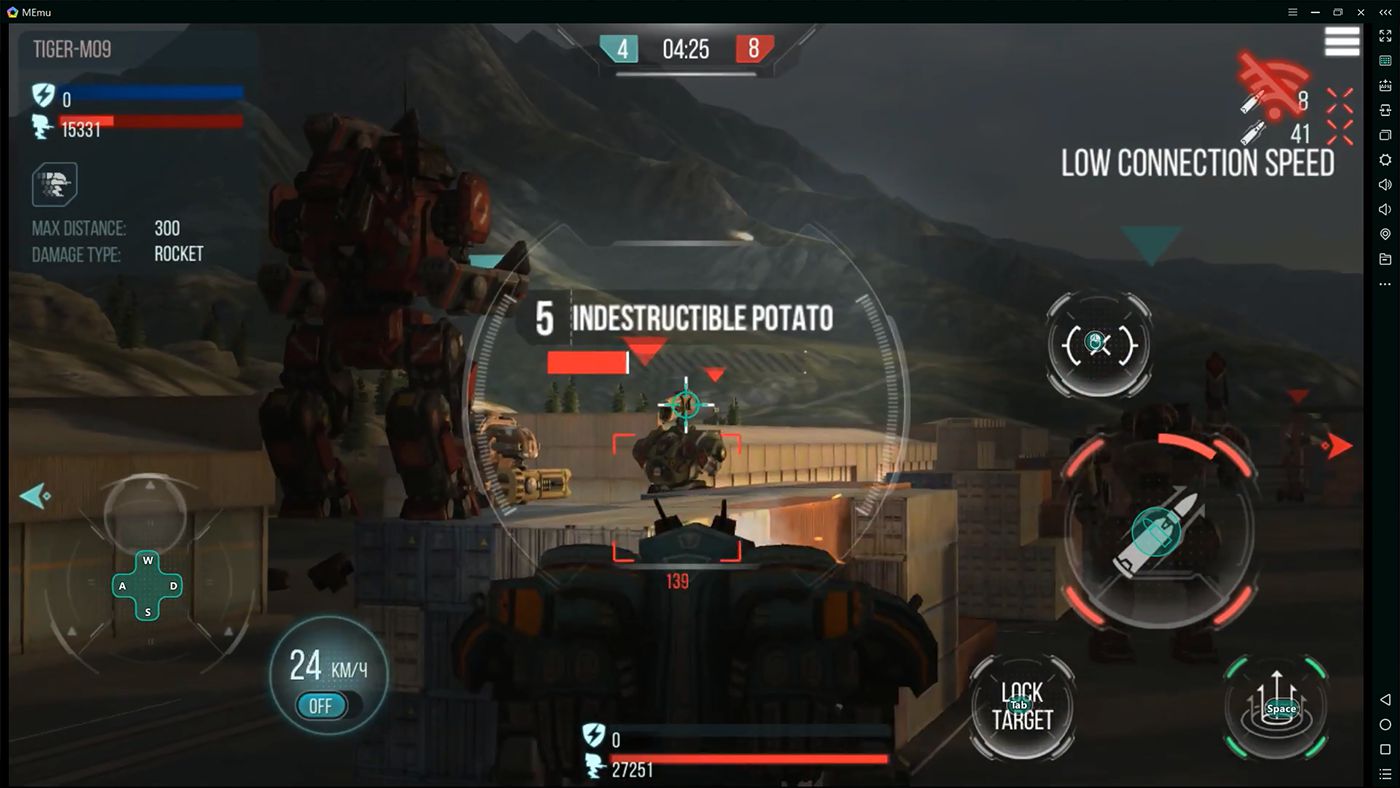
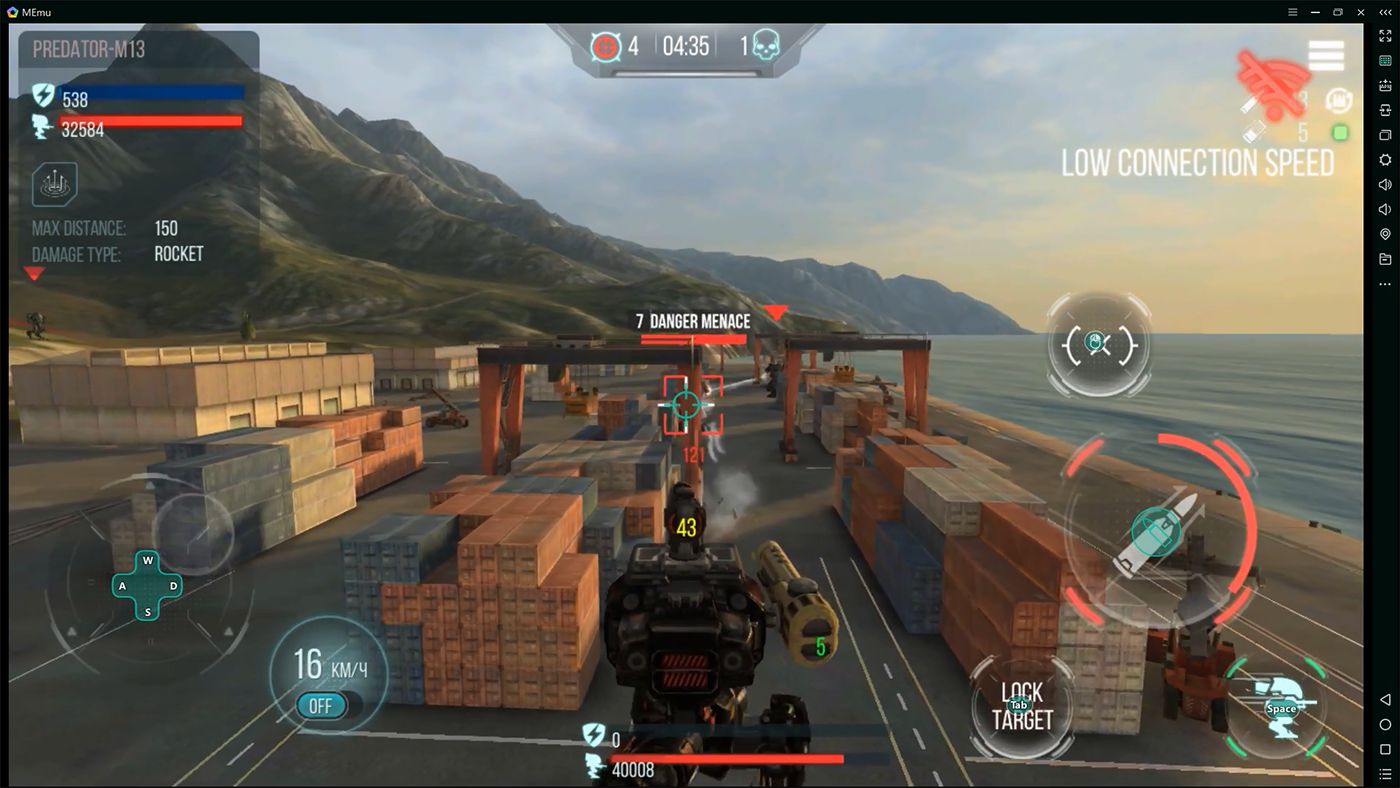
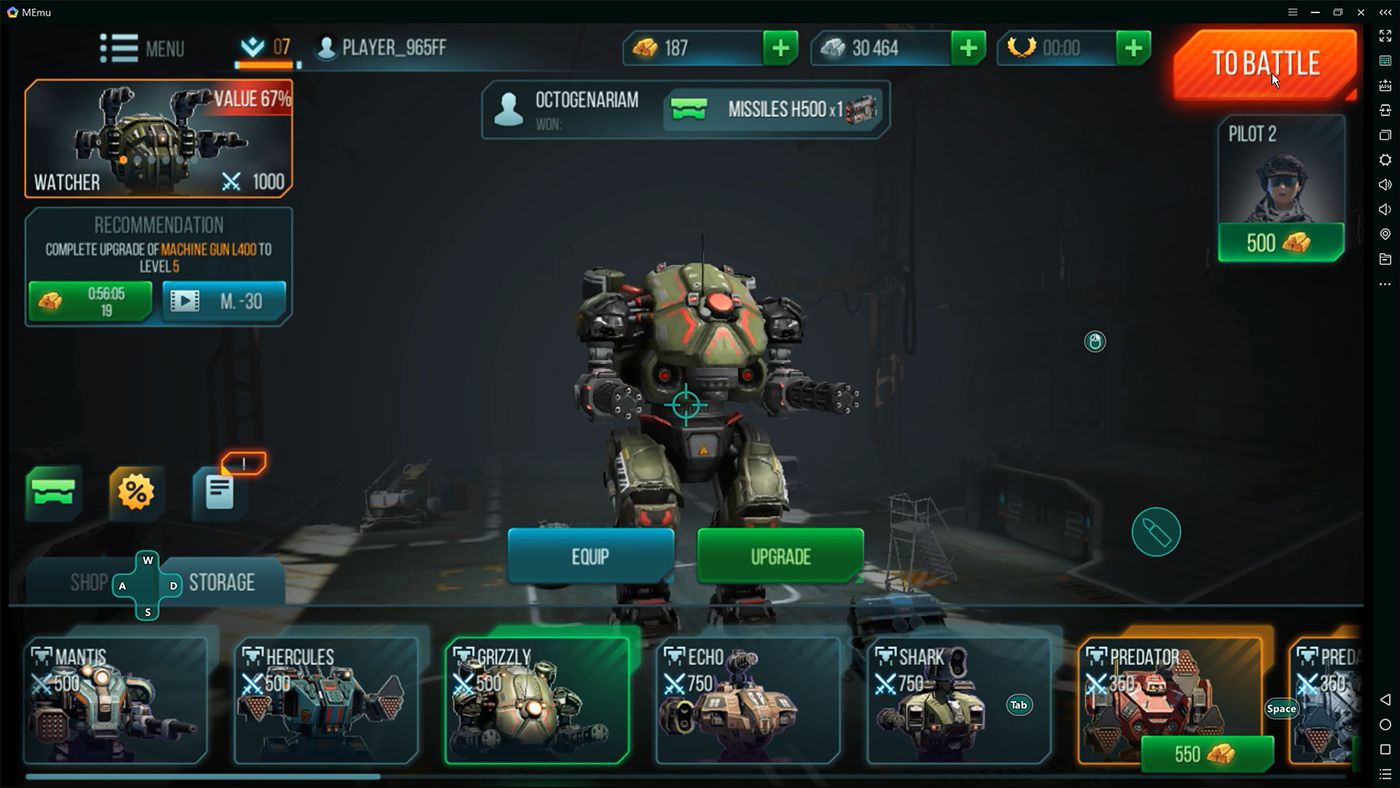
The best proof that mobile gaming has evolved is that you now have emulators which enable you to play Android games on your computer. Playing Android games using a mouse and keyboard is definitely easier and it gives players an (unfair) advantage.
Operating system and compatibility
The MEmu emulator is not the most popular Android emulator for PC on the market, but it holds plenty of potential. While it has been updated to include Android 12 instances, that is still a slightly dated operating system compared to the newest devices.Installing your favorite games
Installing new games is very easy. You can do so by browsing the Play Store or simply by using an APK file. PUBG Mobile, Fortnite Mobile, and Mobile Legends: Bang Bang are just some of the popular titles that can be played using this Android emulator.Smart key mapping templates
What MEmu emulator can really brag about is its awesome key mapping. There are templates for FPS and MOBA games (First Person Shooters and Multiplayer Online Battle Arenas), and you can simply click an area on the screen to set the mapping options.Installation and startup hiccups
On a different note, one thing that might appear annoying is that some users experience problems when launching or even installing the application. Solutions include enabling hardware virtualization or resolving conflicts with third-party software.
There are some possible solutions to these problems available online, but some of them require going into the computer's BIOS settings, and most users will do anything to avoid having to go there.